
Automate Orders with Zaps: A Starter Flow
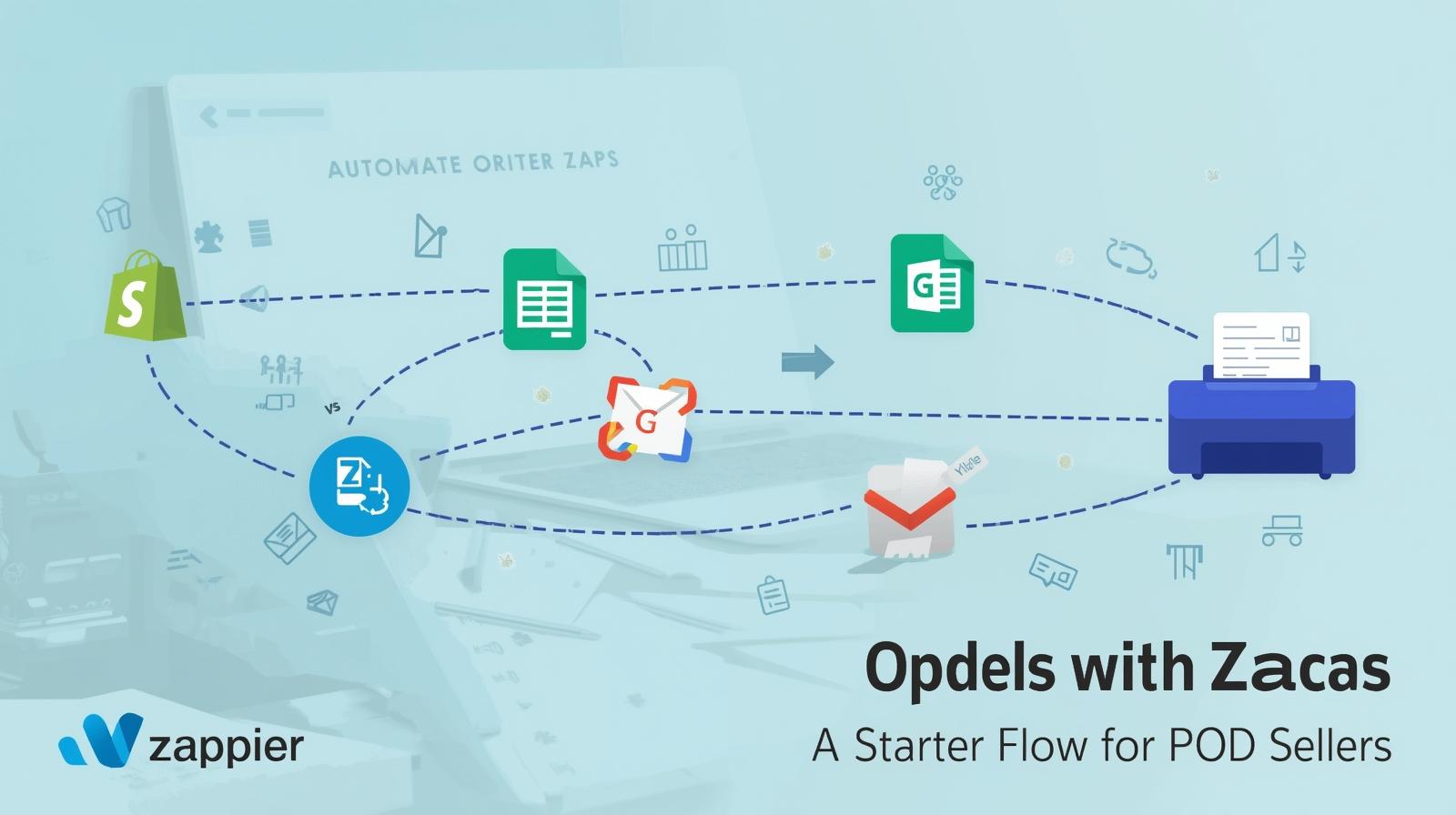
Manual order routing wastes time. This starter Zap moves orders from your store to a sheet and notifies your team—then hands off to fulfillment.
Workflow Overview
| Step | App | Action | Purpose |
|---|---|---|---|
| Trigger | Shopify/Woo/Etsy | New Paid Order | Start flow when payment clears |
| 1 | Formatter | Utilities | Split name, normalize phone |
| 2 | Google Sheets | Create Row | Log order for visibility/reporting |
| 3 | Gmail/Slack | Send Message | Notify team with order summary |
| 4 | Webhooks | POST | Send to print provider endpoint |
Key Fields to Map
- Order ID, date/time, customer name + email + phone
- Line items (SKU, size, color), shipping method, notes
- Destination address, tracking placeholder
Quality & Error Handling
- Add a Filter step: only continue if financial_status = paid.
- Use Paths to route international vs domestic shipping.
- Enable Zapier Errors → Auto-Replay for transient failures.
💡 Tip: Add a second Zap to watch for “Shipment Created” webhooks and update your Google Sheet + send tracking to the customer.