
Create Product Mockups Fast (No Photoshop)
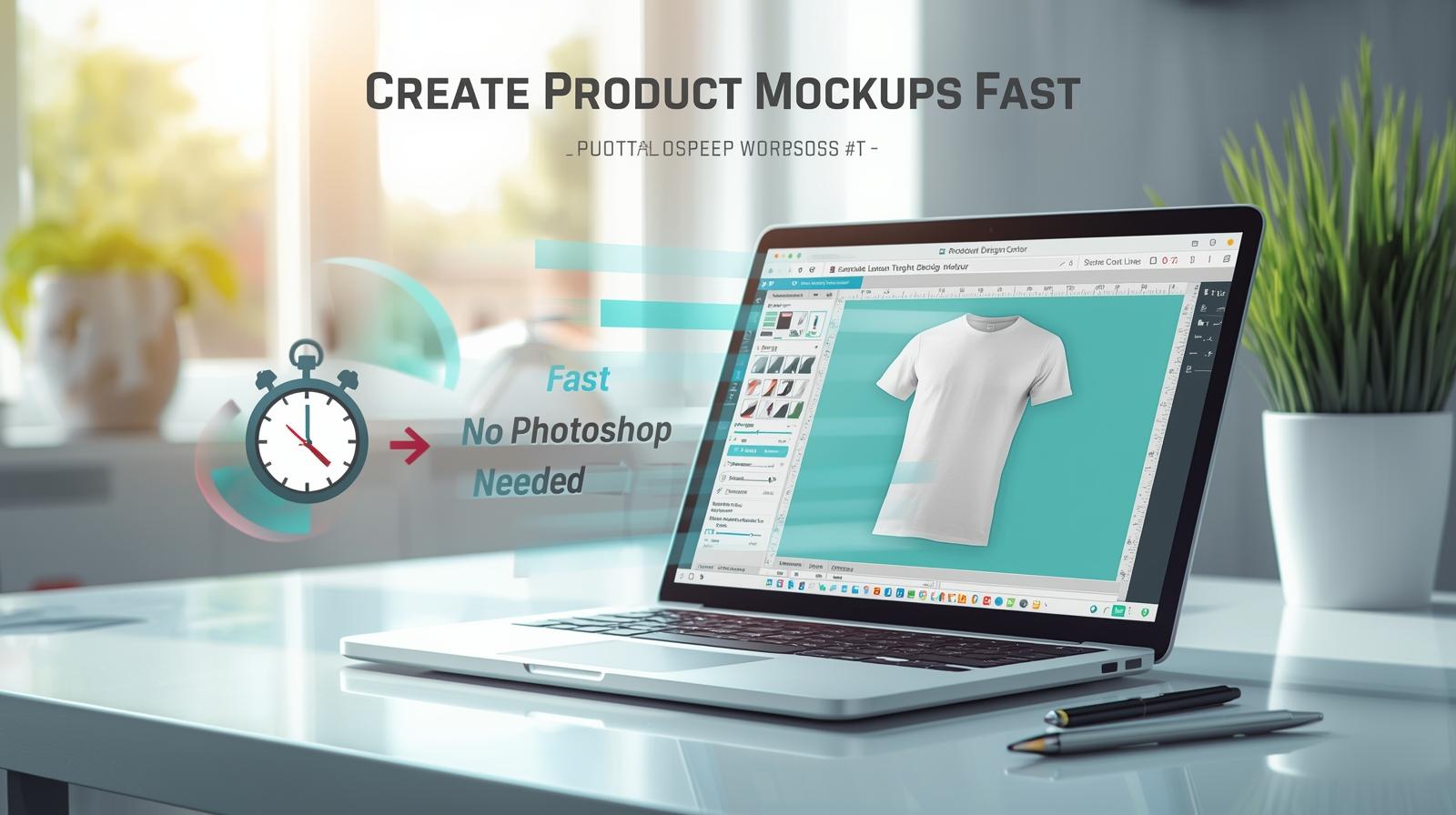
You don’t need heavy software to create clean product mockups. Here’s a quick workflow using online editors and smart templates.
1) Prep Your Design
- Export a transparent PNG at 3000–4500 px (longest side).
- Keep safe margins; avoid thin lines & tiny text.
2) Choose a Template Style
- Flat lay: clean background; great for color accuracy.
- On-model: lifestyle appeal; boosts CTR.
- Ghost/3D: premium feel; consistent catalog look.
3) Build the Mockup (Fast)
- Upload your PNG and place it on the garment area.
- Use Multiply or Overlay blend (if available) to keep fabric texture.
- Add a subtle shadow and crop to 1:1 for marketplace thumbnails.
4) Export for Store & Ads
- Store images: 2000–3000 px, JPG high quality.
- Ad creatives: 1200×1200 or 1200×1500; include a tiny logo watermark.
💡 Tip: Batch your designs—set up one template and swap artwork/colors to generate dozens of mockups quickly.